Case study · Developer tools
BoltManager
A native macOS app that runs and manages bolt.diy locally — turning a terminal dev server into a real Mac app, with one-click control, a live console, and model guidance.
-
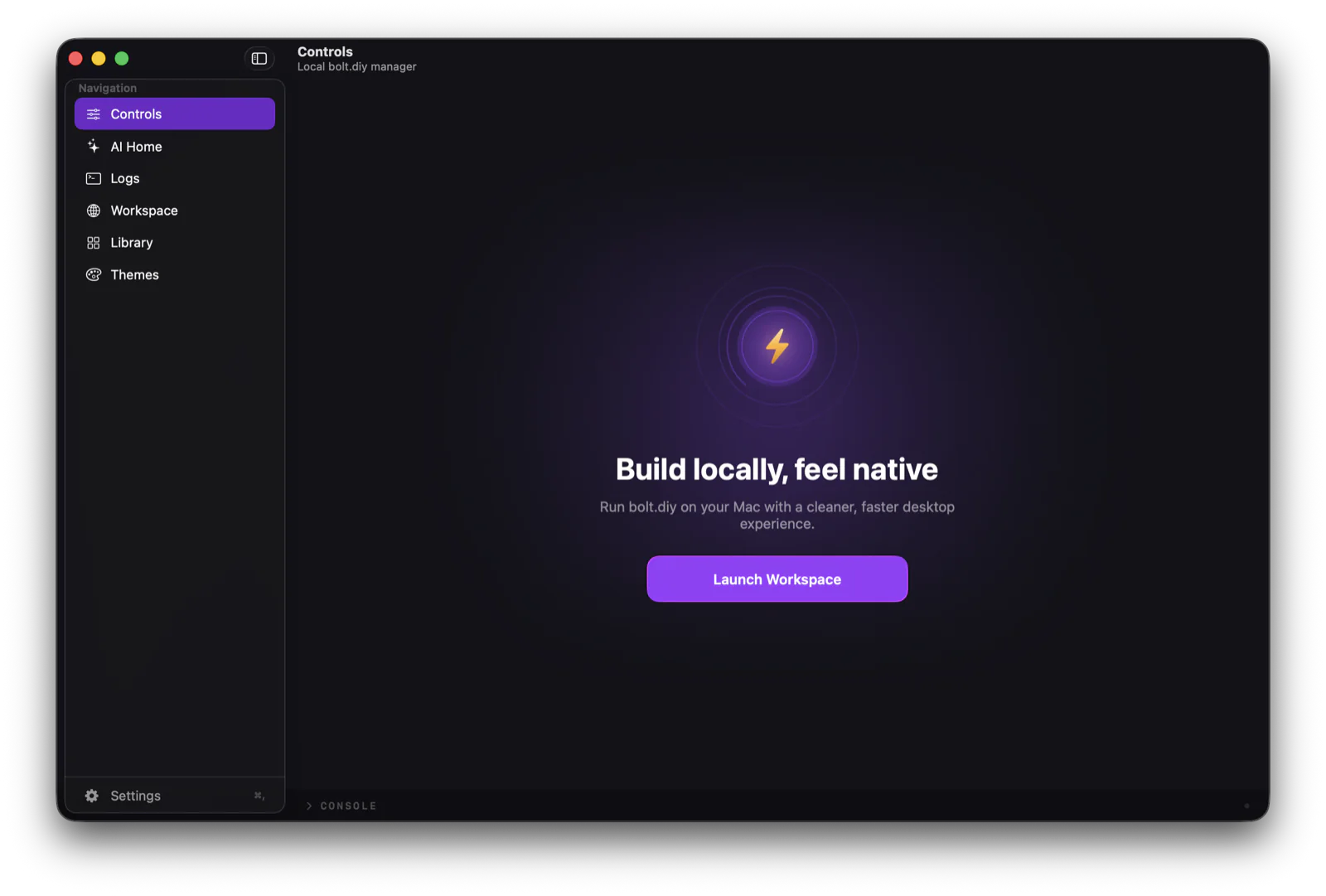
One place to start, stop, and launch the local server.
-
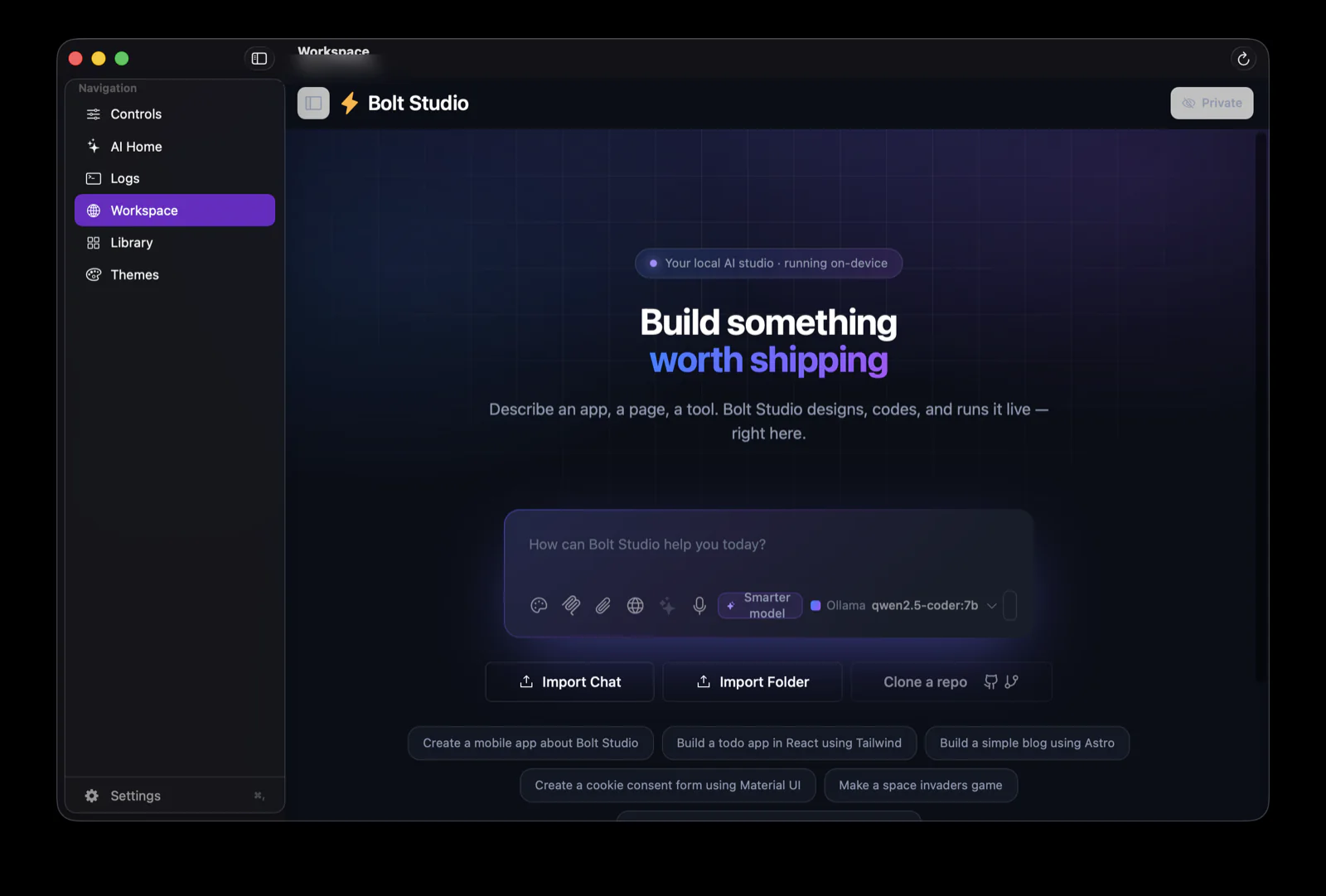
The bolt.diy workspace embedded in a native window, running on-device.
-
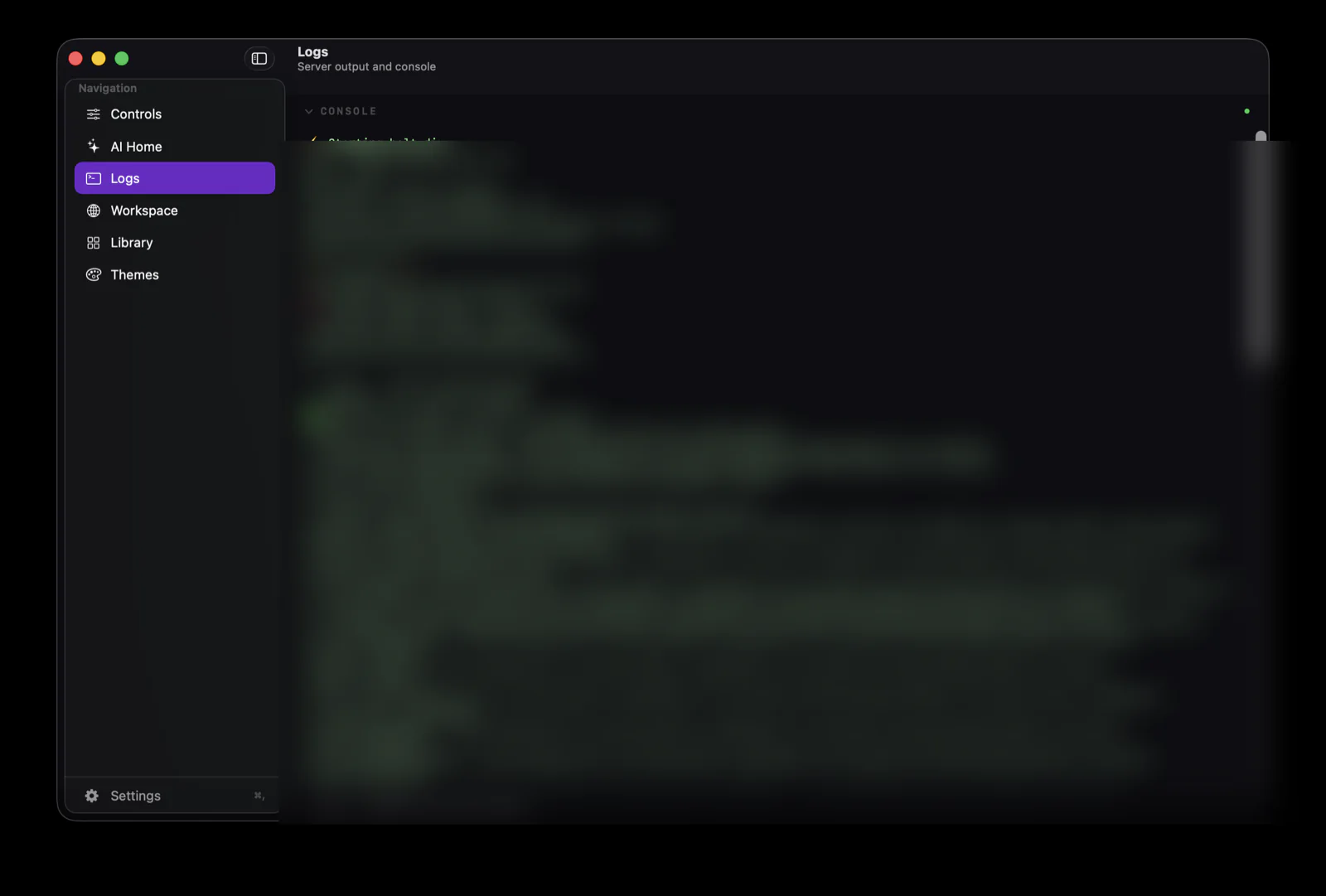
A live console with streamed server output and a command line.
-
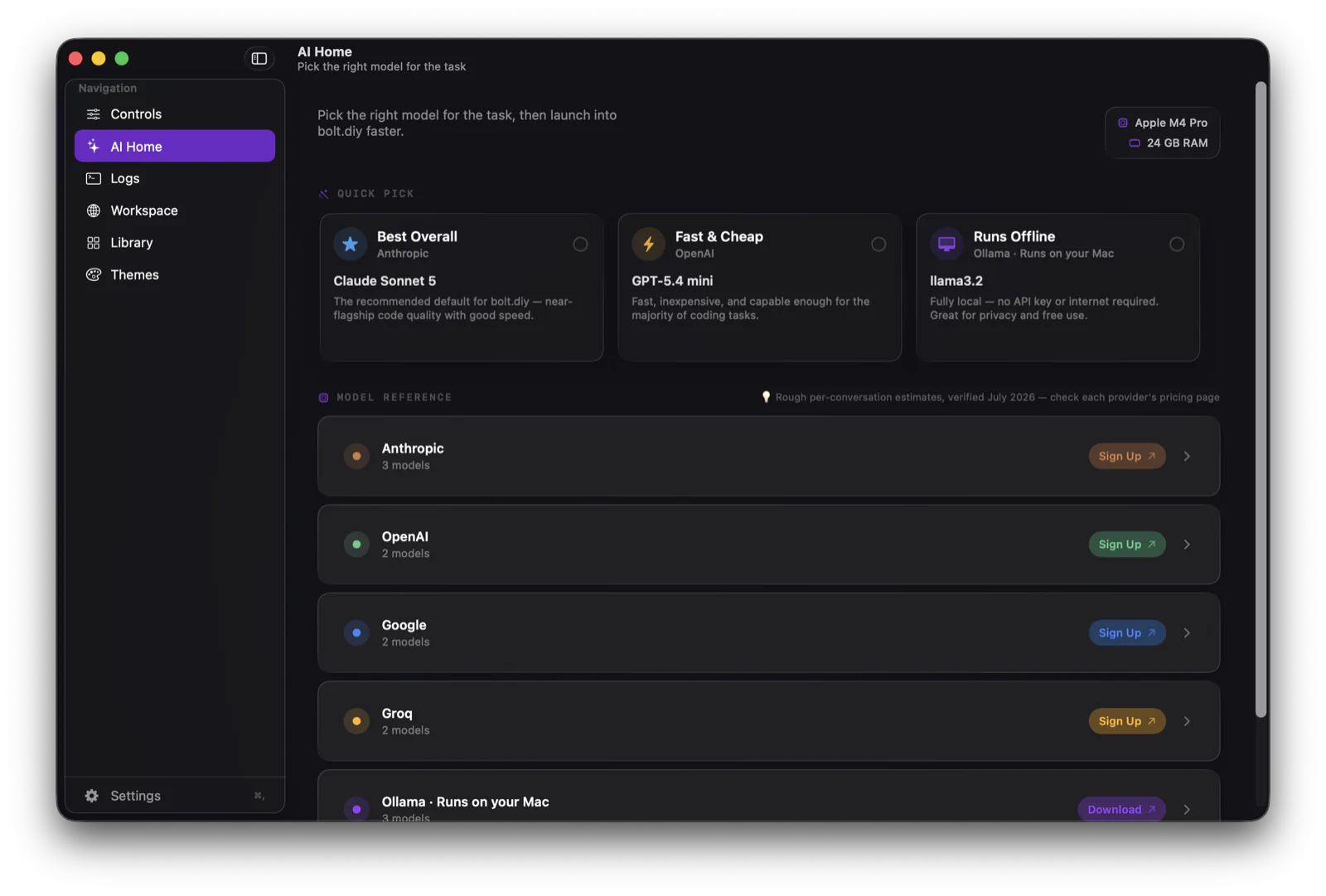
Model guidance — pick the right model for the task, tuned to your Mac.
The problem
bolt.diy is a powerful local AI coding workspace, but it lives behind a terminal: you start a Node and Vite server by hand, watch raw logs scroll past, and juggle browser tabs. For anyone who isn't at home on the command line, that friction is the barrier.
The approach
BoltManager wraps bolt.diy in a real Mac app. One click starts and stops the server, with the whole process tree cleaned up on quit so nothing is left holding a port. The workspace runs in a native window, and a live console streams output with plain-English cards for the common failures — port conflicts, missing Node, missing dependencies.
An AI Home reads your Mac's hardware and helps pick a model for the task, so the choice between a cloud model and a local one is obvious rather than a research project.
What we built
A native macOS app in Swift and SwiftUI: one-click server control with clean process teardown, an embedded workspace, a live console with a command input, smart error cards, a model reference, menu-bar control, and native theming with Liquid Glass materials. It is a controller for the open-source bolt.diy project, not a fork of it.
Contact
Building a developer tool? Let's talk.
A sentence or two about your product and timeline is plenty. I reply within two business days.